Amazon Brand Analytics: The Reports That Matter [2026 Guide]
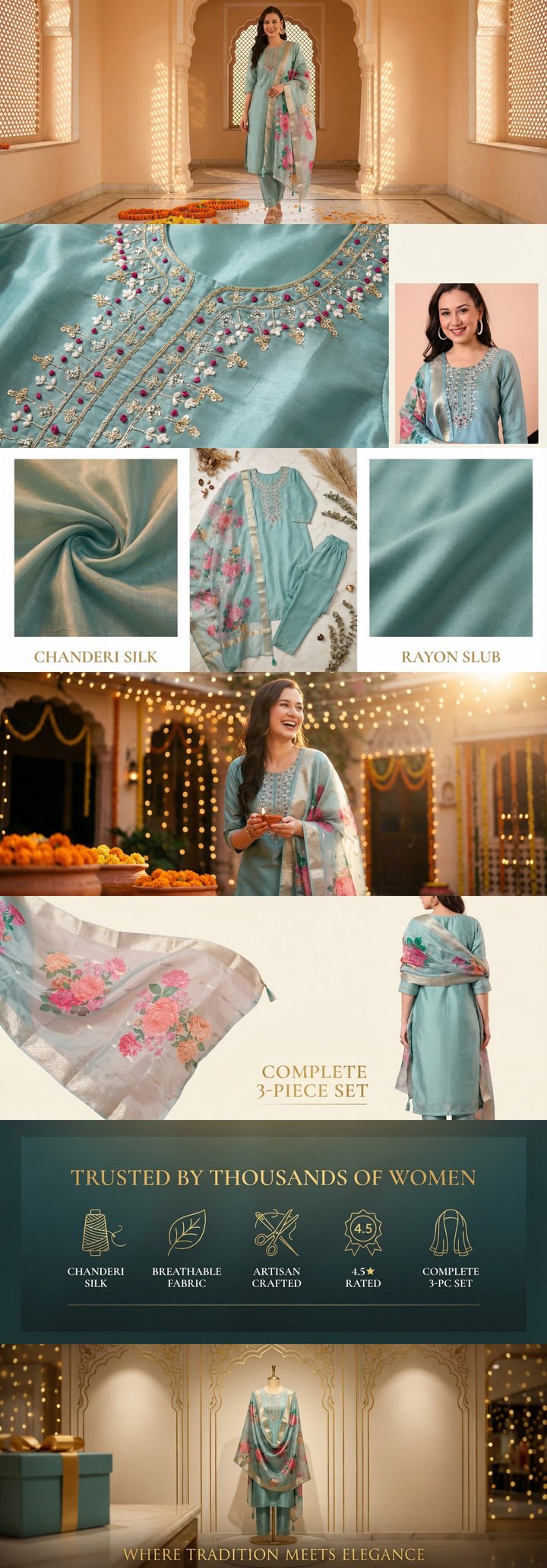 Built by zonfy in 90 seconds
↑ Real output. Try it free →
Table of contents
What Brand Analytics Unlocks
Amazon Brand Analytics is the highest-value free data source available to brand-registered sellers. It exposes search behavior, customer demographics, and competitive positioning data that is otherwise locked.
Most sellers underuse it because the navigation is buried inside Seller Central and the report quality varies dramatically by report type. This guide cuts to the reports that actually drive decisions.
How to Access
In Seller Central:
- Brand → Brand Analytics (top navigation)
- Or directly: sellercentral.amazon.in/business-reports/brand-analytics
Available only to Brand Registry sellers. Reports are typically updated weekly with a 1–2 week lag.
The High-Value Reports
1. Search Catalog Performance
This is the most actionable Brand Analytics report. It shows, for each of your ASINs, how customers find them:
- Top search terms that led to clicks on your ASIN
- Top search terms that led to purchases
- Click share and conversion share by search term
- Search query funnel: impressions → clicks → purchases
How to use it. Identify the top 5 converting search terms for each ASIN. Make sure those exact terms (or close phrase variants) appear in your title and bullets. If a search term converts well but isn't yet in your listing copy, adding it should lift organic ranking on that query.
2. Top Search Terms Report
Shows the top search terms across all of Amazon for any time period, ranked by frequency. For each term, you see:
- Search frequency rank (lower number = more frequent)
- Top 3 clicked ASINs for that search term
- Click share for the top 3 ASINs
How to use it. Identify keywords where your competitors dominate clicks. Their listings have something yours doesn't — better images, better title, more reviews, or just been around longer. Reverse-engineer what they do well.
3. Item Comparison and Alternate Purchase Behavior
Shows what your customers compared your product to before purchasing:
- The 5 ASINs most often viewed in the same session as yours
- The 5 ASINs most often purchased instead of yours
- The competitive set you're actually fighting against
How to use it. This is your competitive intelligence map. Study the ASINs in your "viewed alongside" list — their main images, bullet points, A+ Content. The customer is choosing between you and them.
4. Demographics Report
Shows demographic breakdown of buyers of your products: age range, gender, household income, education. Available for ASINs with at least 50 orders in the reporting period.
How to use it. Tune your A+ Content copy and image selection to the actual buyer demographic. If your kitchen knife is being bought 70% by women aged 25–34 with mid-income households, your lifestyle imagery and voiceover style should reflect that buyer — not the generic "Amazon shopper" persona.
5. Repeat Purchase Behavior
For each ASIN, shows:
- Percentage of customers who purchased the same ASIN again within 12 months
- Average days between repeat purchases
- Total repeat purchase revenue
How to use it. Categorize your catalog. Consumables and supplements should have 20–40% repeat rate. Hard goods 5–10%. Outliers in either direction indicate something — high repeat rates can justify higher acquisition cost (PPC investment), low repeat rates indicate quality issues or seasonality.
6. Amazon Search Terms Report (Brand-Specific)
Recently added — shows search terms specific to your brand's products (terms that include your brand name or terms that have your products as top-clicked results).
How to use it. Discover branded search demand (people specifically looking for your products) vs generic search demand. Branded search volume that's growing is the strongest signal of brand-building working.
Try zonfy free
Generate Amazon A+ Content in 90 seconds
7 professional A+ images (1464×600 desktop + 600×450 mobile) sized exactly for Seller Central. Built from your product photos in 90 seconds.
Generate A+ Content →Your first generation is free. No credit card required.
Reports to Skim, Not Study
Not every Brand Analytics report drives decisions:
- Customer Loyalty Analytics. Useful for very large sellers, mostly noise for smaller ones.
- Returns Reports. Useful but the data is already in your Reports → Inventory Reports.
- Search Insights. Overlaps significantly with Search Catalog Performance.
Focus on the 6 reports above. Save the rest for when you've maxed out what they tell you.
How Often to Pull
Match the cadence to the velocity of your decisions:
- Search Catalog Performance: Weekly. Drives keyword and listing copy changes.
- Top Search Terms: Monthly. Strategic, slower-moving signal.
- Item Comparison: Monthly. Competitive landscape shifts gradually.
- Demographics: Quarterly. Buyer profile rarely shifts in less than a quarter.
- Repeat Purchase Behavior: Quarterly. Long-cycle signal.
- Search Terms (Brand-Specific): Monthly. Tracks brand-building progress.
Tying Brand Analytics to Listing Optimization
The most productive workflow: pull Search Catalog Performance weekly, identify the top 5 converting search terms per ASIN, and check whether those terms appear naturally in your listing copy. If not, regenerate the listing copy with those terms in mind.
For sellers with large catalogs, manually rewriting listings to incorporate new keywords is slow. Tools like zonfy's listing generator accept your target keyword list and produce updated titles, bullets, and descriptions in 90 seconds — usable as a starting point for testing rewrites against the original.
What Most Sellers Miss
The "viewed alongside" data is gold. Most sellers fixate on direct competitors. Brand Analytics tells you who customers actually compare you to, which is often different. Adjust your A+ Content comparison module to address those specific alternatives.
Demographics drives creative direction. Your photography style, copy tone, and lifestyle imagery should match the demographic that actually buys. Generic creative for a non-generic buyer leaves conversion on the table.
Brand search growth is the success metric. Total revenue can grow from PPC spend, not brand strength. Brand search volume growing is the cleanest signal that you're building a brand, not just running ads.
The Bottom Line
Brand Analytics is the single largest free data advantage Brand Registry gives you. Most sellers either don't use it or use it inconsistently. The sellers who pull these 6 reports on a weekly/monthly rhythm and act on the data consistently outpace their categories within 12 months. The data is sitting there — using it is the differentiator.